[This was originally started on 2021-03-07, adding notes from months before that. Given the time that has passed, I will not finish this but wanted to post my notes, as is.]

windows is X years old, and despite the bloating and bugs, they still haven’t figured out some pretty basic UI/UX things. these are the kind that just using the product daily should lead to
windows notifications
after reboot it loads apps like Chrome sometimes but not others
when you re-launch it sometimes remember which screen, but forgets the position
https://superuser.com/questions/1369463/windows-10-sort-rearrange-icons-in-taskbar/1480249#1480249
Explorer -> pick a dir -> search -> results are all in that single folder, no subfolders. can’t copy a file into or overwrite while in that view.
where do you adjust bass on speakers?
https://answers.microsoft.com/en-us/windows/forum/all/bass-boost-options-for-windows-10/34d99e00-0340-4346-ab51-9e80877a274a?page=2
one example of NONE of those working. NONE of the options that ultimately are supposed to be there actually are. adjusting volume, bass, and other aspects used to be trivial via speaker icon. not now… why?!
want to switch two ‘explorer’ tabs around? nope. 3rd party software
want to uninstall an app that is bugged out? nope. 3rd party software
once a month or so i hear the sound of a device being ejected and accepted seconds later, only to find my 2nd monitor was not recognized briefly. that forces all apps over to the other screen. today it also means i can no longer left click on the windows icon to bring up the main menu, but i can right click for that menu.
Windows Explorer
When new content is created in Explorer, the columns present default to be narrow. On a 27″ wide screen, they should auto-expand to show as much information as possible. Instead, it requires expanding each column individually.

x
change column width, move directory, it resets them
Windows Media Player
If you have a group of audio files you can select them, right click, and choose “Add to Windows Media Player list“. Doing so will enqueue them in WMP but notice that it will put the last song in Explorer as the first song in WMP. Since many CDs are arranged in the order intended by the artist, and may have meaning or flow together as a continuous composition, mis-ordering them is an annoyance.
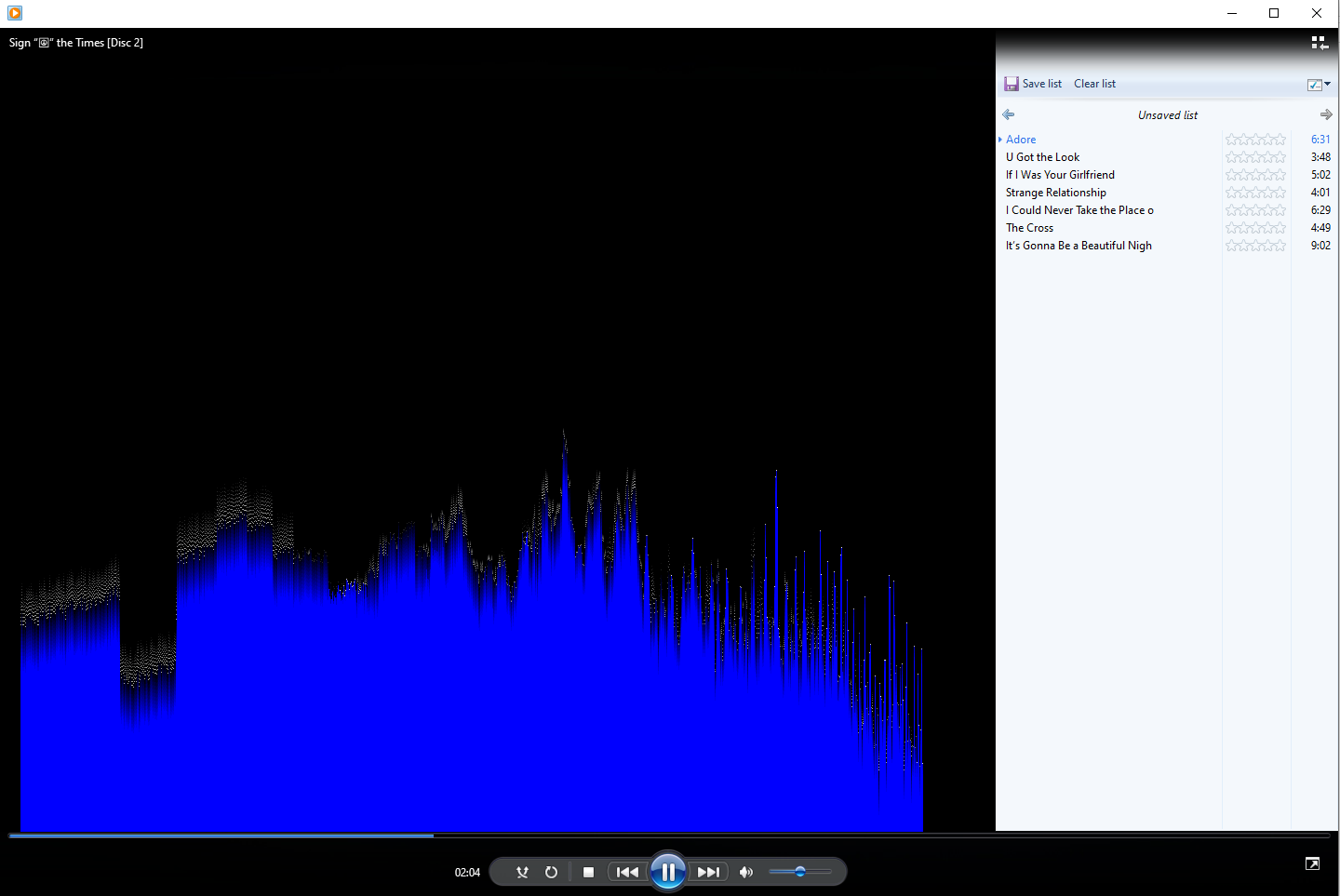
visualizations fail to render sometimes as of a few months ago and now completely after last patch (Oct), after reboot works again for one song then freezes
Notes
MAYBE FIXED: Closing some apps over night, thought I found a configuration option that spoke to it, apparently not
KEEP OBSERVING: not saving file manager folder prefs (e.g. sort by date)
links from trillian now opening in a diff chrome instance/identity, where is that set?
https://winaero.com/blog/enable-delete-confirmation-windows-10/
https://www.lifewire.com/how-to-change-file-associations-in-windows-2624477
2nd monitor ‘disconnects’ and reconnects, forcing all windows to move back to primary monitor
explorer – cut file, select drive that has gone to sleep. after it wakes the paste option is gone. have to re-cut and then paste
Leave a Reply